

If you work with CCTV cameras or network video recorders, you already know one common problem: devices don’t show up on the network. That’s where the SADP Tool becomes essential.
SADP (Search Active Device Protocol) is a simple but powerful software that helps you detect, activate, and configure IP cameras and DVRs on your local network. Whether you are a beginner or a professional installer, this tool saves time and removes confusion.
What is SADP Tool?
The SADP Tool is a free utility developed by Hikvision. It scans your local network and shows all connected surveillance devices like:
- IP Cameras
- DVRs (Digital Video Recorders)
- NVRs (Network Video Recorders)
It helps you quickly find device IP addresses, reset passwords, and activate new devices.
Why SADP Tool is Important
Setting up CCTV systems manually can be frustrating. Devices often come with default IPs that don’t match your network. SADP solves this problem by automatically detecting everything.
Key Benefits
- Fast device discovery
- Easy IP address configuration
- Device activation in one click
- Password reset support
- Works without internet (LAN-based)
Key Features of SADP Tool
1. Automatic Device Detection
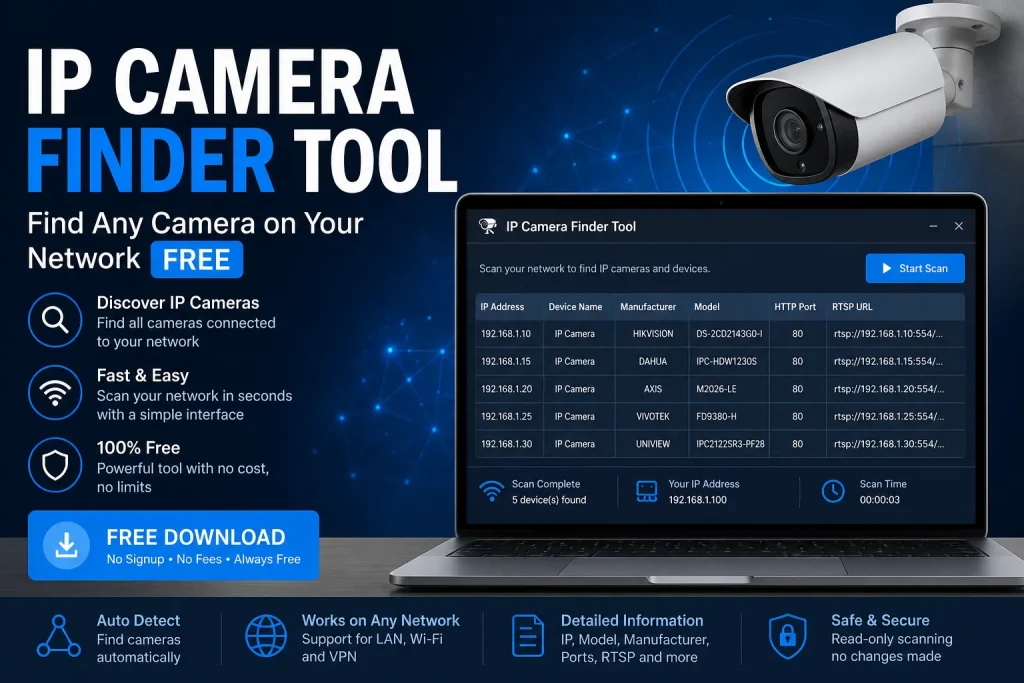
SADP scans your network and lists all devices instantly. No manual searching needed.
2. IP Address Configuration
You can change device IPs to match your router settings. This ensures proper connectivity.
3. Device Activation
New Hikvision devices require activation. SADP lets you set passwords and activate them easily.
4. Password Reset Option
Forgot your device password? SADP helps generate reset files (with official support).
5. Simple Interface
The layout is clean and beginner-friendly. Even non-technical users can operate it.
How to Install SADP Tool
For Windows
- Download SADP Tool
- Open the installer file
- Click “Next” and follow instructions
- Finish installation
- Launch the tool
For macOS
- Download the macOS version
- Open the DMG file
- Drag to Applications
- Launch the app
How to Use SADP Tool (Step-by-Step)
- Open SADP Tool
- Wait for automatic scan
- Select your device from the list
- Enter password (if activated)
- Modify IP address if needed
- Click “Save”
That’s it. Your device is now configured.
Practical Uses of SADP Tool
1. CCTV Installation
Technicians use SADP to quickly detect and set up cameras.
2. Troubleshooting Network Issues
If your camera is not showing in software, SADP helps locate it.
3. Bulk Device Management
You can manage multiple devices at once.
4. Security Setup
Activate devices and assign strong passwords for protection.
SADP Tool vs Other Tools
Unlike complex networking tools, SADP is focused only on surveillance devices. It is faster and easier compared to generic IP scanners.
For example:
- Advanced tools require technical knowledge
- SADP works with just a few clicks
Tips for Best Use
- Always connect devices to the same LAN
- Disable firewall if devices are not detected
- Use strong passwords during activation
- Keep the tool updated
Frequently Asked Questions
Is SADP Tool Mobile app availabe?
Yes, sadp apk is available.
Does it work offline?
Yes, it works on local networks without internet.
Can I use it for non-Hikvision devices?
Mostly no. It is designed for Hikvision products.
Is it safe?
Yes, it is official software from Hikvision.
Conclusion
The SADP Tool is a must-have utility for anyone dealing with CCTV systems. It simplifies device discovery, setup, and management without requiring advanced networking skills.
If you are setting up cameras or facing connection issues, this tool can save you hours of work.
For anyone already using tools like MKVToolNix for media management, adding SADP Tool to your toolkit makes your digital workflow even stronger—covering both video creation and surveillance setup.